
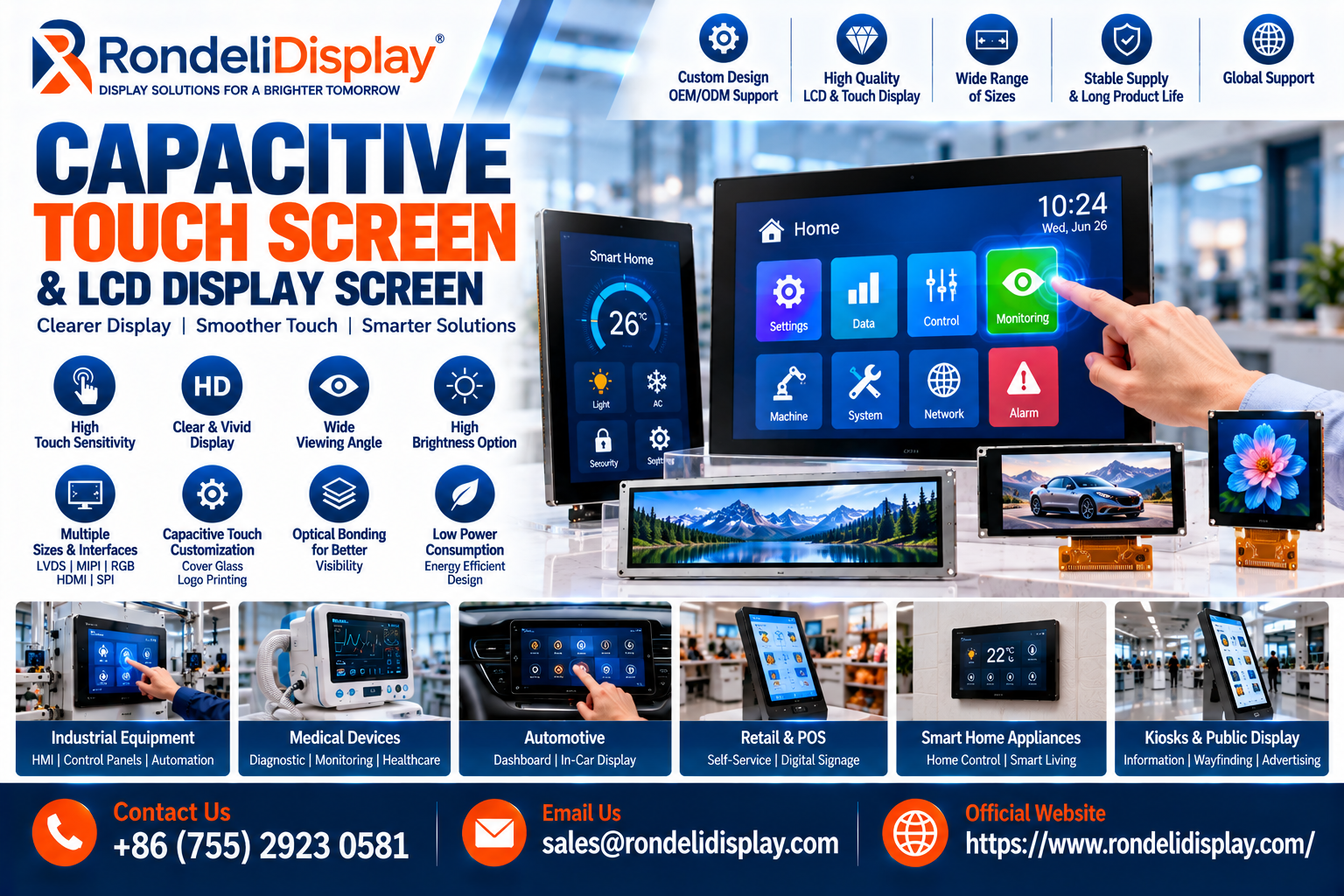
Electronics industry is exploring new approaches to making smart devices more accessible, intuitive, and convenient for everyday users. As household appliances, healthcare equipment, and connected electronic products incorporate increasingly advanced functions, manufacturers are reconsidering how people interact with digital controls.
A Capacitive Touch Screen provides touch-sensitive input that allows users to navigate compatible electronic systems through direct gestures and selections.
Meanwhile, an lcd display screen presents the visual information needed to understand operating settings, product functions, and system responses.
Together, these technologies can support user-friendly interfaces when combined with thoughtful software design.
For electronics manufacturers, OEM developers, and smart appliance brands, the important challenge is developing products that remain easy to operate for people with different levels of technical experience.
Why Human-Centered Design Is Becoming Important
Smart electronic products frequently contain numerous functions, settings, and operating modes.
However, offering more features does not necessarily improve the user experience.
Complicated menus, unclear symbols, and poorly positioned controls can make everyday operations unnecessarily difficult.
Human-centered design focuses on understanding how people interact with a product.
Manufacturers can use this approach to simplify navigation and make essential functions easier to locate.
This principle helps manufacturers focus on practical usability rather than visual appearance alone.
What Is a Capacitive Touch Screen?
A Capacitive Touch Screen is an electronic input system that detects changes in an electric field when a suitable object, such as a finger, interacts with its sensing surface.
A compatible touch controller interprets these changes and communicates input information to the device.
Projected capacitive technology can support gestures such as tapping, swiping, and multi-touch interaction, depending on the implementation.
These capabilities make it suitable for smart appliances, interactive terminals, and electronic control systems.
However, touch sensitivity and accuracy depend on sensor construction, controller configuration, and environmental conditions.
Understanding the Role of an LCD Display Screen
An lcd display screen uses liquid crystal technology to present text, graphics, images, and operating information.
In most conventional LCD systems, a backlight illuminates the display.
Screen dimensions, resolution, brightness, and viewing angles influence the visual experience.
For a smart appliance, an LCD may show temperature settings, operating modes, notifications, or maintenance instructions.
However, a technically advanced display does not automatically create an understandable interface.
Information arrangement, typography, and graphical design remain essential to effective communication.
How Touchscreen Design Improves Smart Appliances
Smart appliances increasingly use digital interfaces to control different operating functions.
A washing machine may present selectable programmes, while an air-conditioning system may display temperature and airflow settings.
Suitable touch interfaces allow manufacturers to organise these functions through graphical controls.
This can reduce dependence on numerous physical buttons.
However, commonly used functions should remain easy to access.
A user should not have to navigate several unnecessary menus to perform a simple task.
Effective interface design considers how frequently different controls are needed.
Why Accessibility Should Influence Display Selection
Electronic products are used by people with different visual, physical, and technical abilities.
A touchscreen interface should therefore consider accessibility during development.
Important factors include readable text, sufficient contrast, appropriately sized touch targets, and understandable symbols.
Manufacturers may also consider multilingual interfaces and alternative input methods.
Touch-only controls can create difficulties for users with certain accessibility needs.
For some applications, physical controls, audible feedback, or additional accessibility features may remain necessary.
Comparing Visual and Touch Interface Requirements
| Design Consideration | Capacitive Touch Screen | LCD Display Screen |
| Primary Function | Detects user interaction | Presents visual information |
| Main Priority | Touch accuracy and responsiveness | Readability and image quality |
| User Experience | Gestures and direct selection | Clear instructions and feedback |
| Accessibility | Suitable target sizes and input options | Text contrast and visual clarity |
| Technical Requirement | Sensor and controller compatibility | Resolution and display interface |
| Common Application | Interactive appliance controls | Equipment information and graphical menus |
Both technologies must support the same interface objectives for a consistent user experience.
The Importance of Visual Feedback
Users need confirmation that an electronic system has recognised their actions.
Without clear feedback, they may repeatedly touch the same control or assume that the equipment is malfunctioning.
A display can provide visual responses through highlighted selections, progress indicators, and status messages.
For example, a smart appliance might clearly indicate when a selected programme has started.
Error messages should also explain what happened and what action is required.
However, visual feedback should not become excessively complicated.
Simple, meaningful responses can improve usability without distracting the user.
Balancing Modern Design With Practical Reliability
Minimalist touch interfaces can give products a clean and contemporary appearance.
However, removing physical controls is not always appropriate.
Some functions require immediate, dependable access, particularly where safety is involved.
Manufacturers should evaluate whether touchscreen operation meets the intended application requirements.
For essential safety functions, independent physical controls or other appropriate safeguards may be necessary.
The goal should be to select the most suitable interaction method rather than assuming every product benefits from a fully touch-controlled design.
Testing Interfaces With Real Users
Technical testing confirms whether electronic components operate according to specifications.
Usability testing examines whether people can understand and operate the finished product.
Both forms of evaluation are important.
Manufacturers may ask representative users to complete common tasks using a prototype.
Observing confusion, incorrect selections, or repeated actions can reveal design problems.
These findings can inform adjustments to screen layouts, button sizes, terminology, and navigation.
Testing should reflect realistic operating conditions rather than only ideal laboratory environments.
Customisation Opportunities for OEM Manufacturers
Different electronic products require different display configurations.
OEM developers may need customised dimensions, brightness levels, protective glass, touch sensitivity, or interface arrangements.
For example, a kitchen appliance may require a compact screen suited to its enclosure, while an industrial controller may need a larger display with specialised operating characteristics.
Customisation should consider both technical requirements and user interaction.
A display supplier’s ability to provide suitable samples and documentation can support the development process.
Frequently Asked Questions (FAQs)
1. What is a Capacitive Touch Screen?
A capacitive touchscreen detects changes in an electric field to identify user interactions and communicate them through a compatible controller.
2. What is an LCD display screen?
An LCD display screen uses liquid crystal technology and suitable illumination to present text, graphics, images, and other visual information.
3. Why are capacitive touchscreens used in smart appliances?
They allow manufacturers to develop interactive controls, graphical menus, and convenient navigation for compatible electronic products.
4. Can LCD touch interfaces be customised?
Yes. Depending on manufacturing capabilities, customisation may include dimensions, brightness, protective materials, touch configurations, and electrical interfaces.
5. How can manufacturers improve touchscreen usability?
They can use readable text, clear feedback, appropriately sized controls, accessible navigation, and representative user testing.
Media Contact
Department: Capacitive Touchscreen and Custom LCD Display Enquiries
Email: sales@rondelidisplay.com
Official Website: https://www.rondelidisplay.com/